Technical support
Assistance with faults and unexpected behaviour across devices, operating systems and applications.
PHONE CARE HUB LTD
PHONE CARE HUB LTD is an IT services and technical support business. We examine devices, software and connections, identify what is actually failing, and explain the findings in language that makes the next decision straightforward.
Website: smartphonerepairhub.com · Email: [email protected]

Company introduction
Most technology problems are not solved by guessing. They are solved by narrowing down where the failure sits and then addressing that specific layer.
Our work spans smartphones, laptops, desktop computers, the software installed on them and the networks they depend on. Each request is treated as a technical investigation first and a corrective action second, so that the change we make is the one the situation actually calls for.
Overview of IT services
A summary of the support areas covered by the company.
Assistance with faults and unexpected behaviour across devices, operating systems and applications.
Structured testing that establishes the cause of a fault before any repair decision is taken.
Help with battery behaviour, storage pressure, updates, app failures and mobile connectivity.
Update management, storage housekeeping, driver checks and attention to thermal problems.
Installation, repair and configuration of operating systems and applications, including migration of settings.
Wi-Fi stability, router and access point configuration, and devices that will not join or stay on a network.

Technical support
Troubleshooting starts with observation, not assumption.
Diagnostics
Diagnostics answer a single question: what is actually failing, and at which layer?
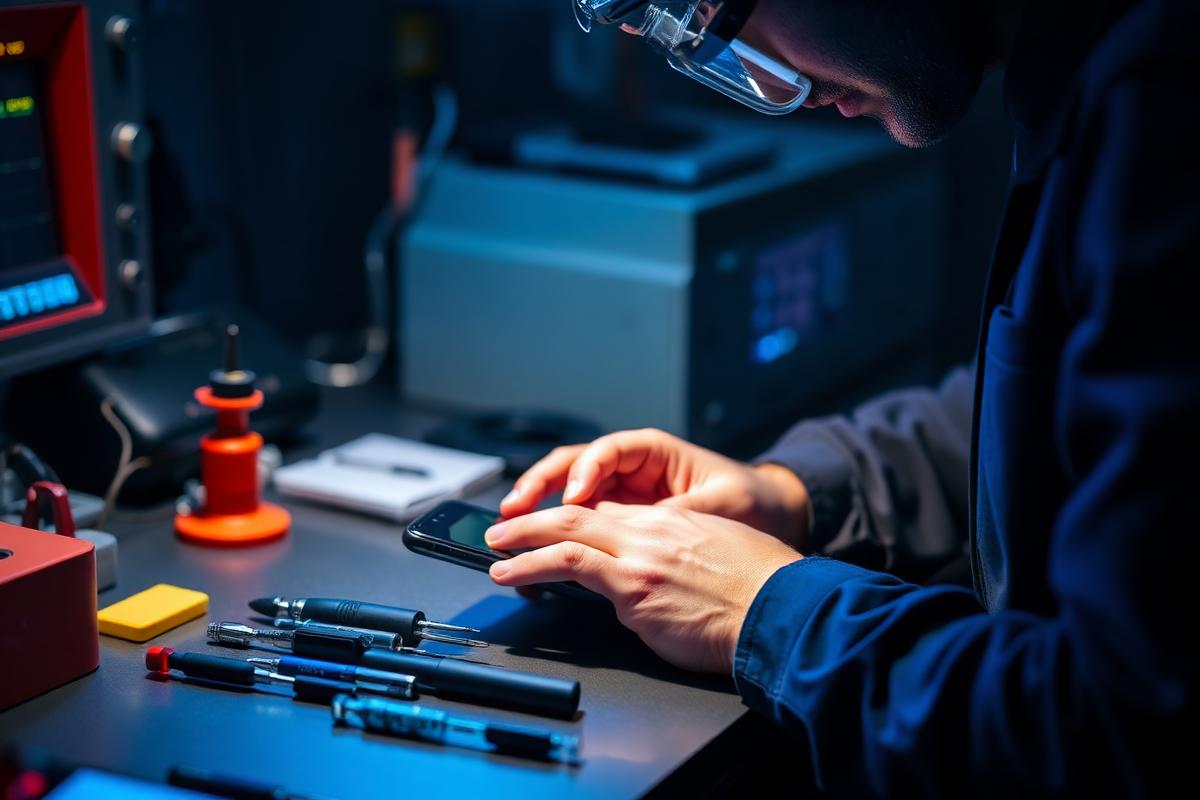
A device is inspected physically, then checked at software level: storage health, battery condition, thermal behaviour, display and touch response, charging behaviour and system logs. The output is a description of what was tested, what the tests showed and which options follow from those results.
Computers
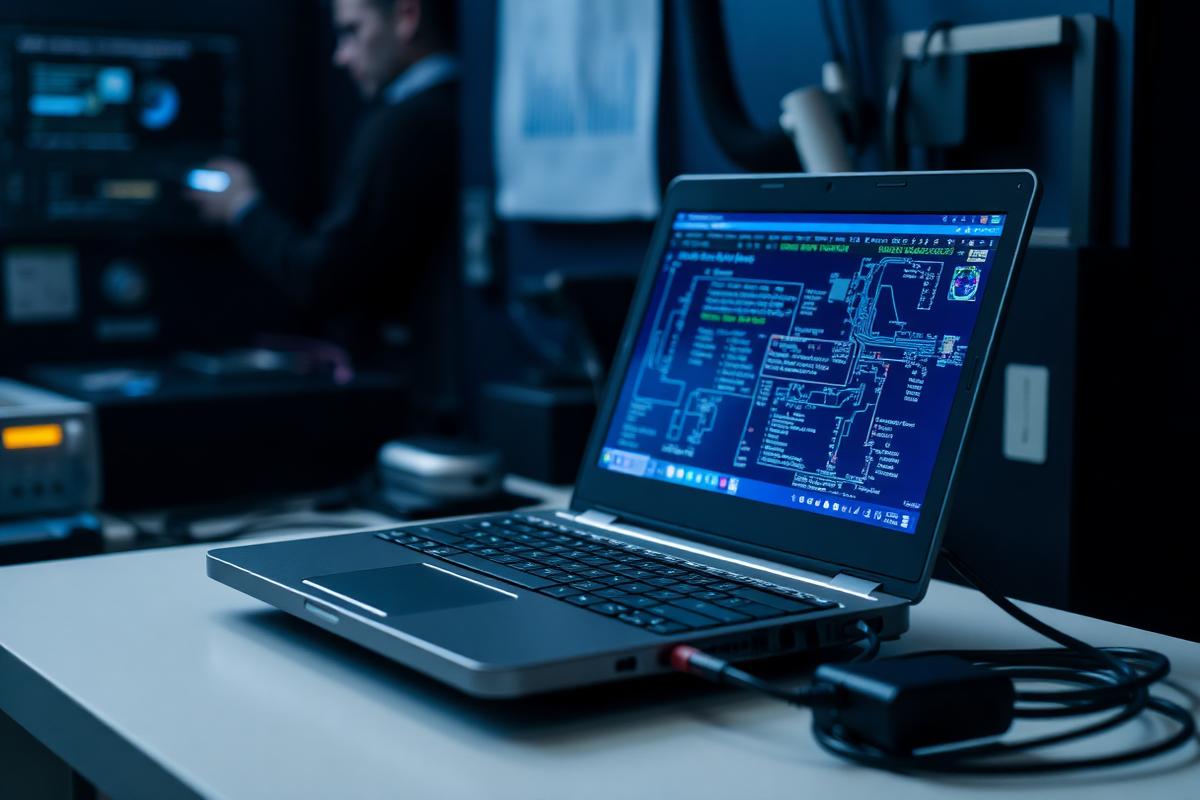
Laptops and desktops usually degrade gradually rather than failing outright.
Startup items, background services and storage pressure are reviewed together, since slowness rarely has a single cause.
Crash patterns, driver versions, update state and thermal behaviour are examined to explain instability.
Software
Software problems are often configuration problems in disguise.
We install, repair and configure operating systems and applications, resolve activation and compatibility errors, move settings between systems and remove software that conflicts with the tools a person actually needs. Compatibility is confirmed before installation, and backups are discussed before any change that could affect stored data.
Connectivity
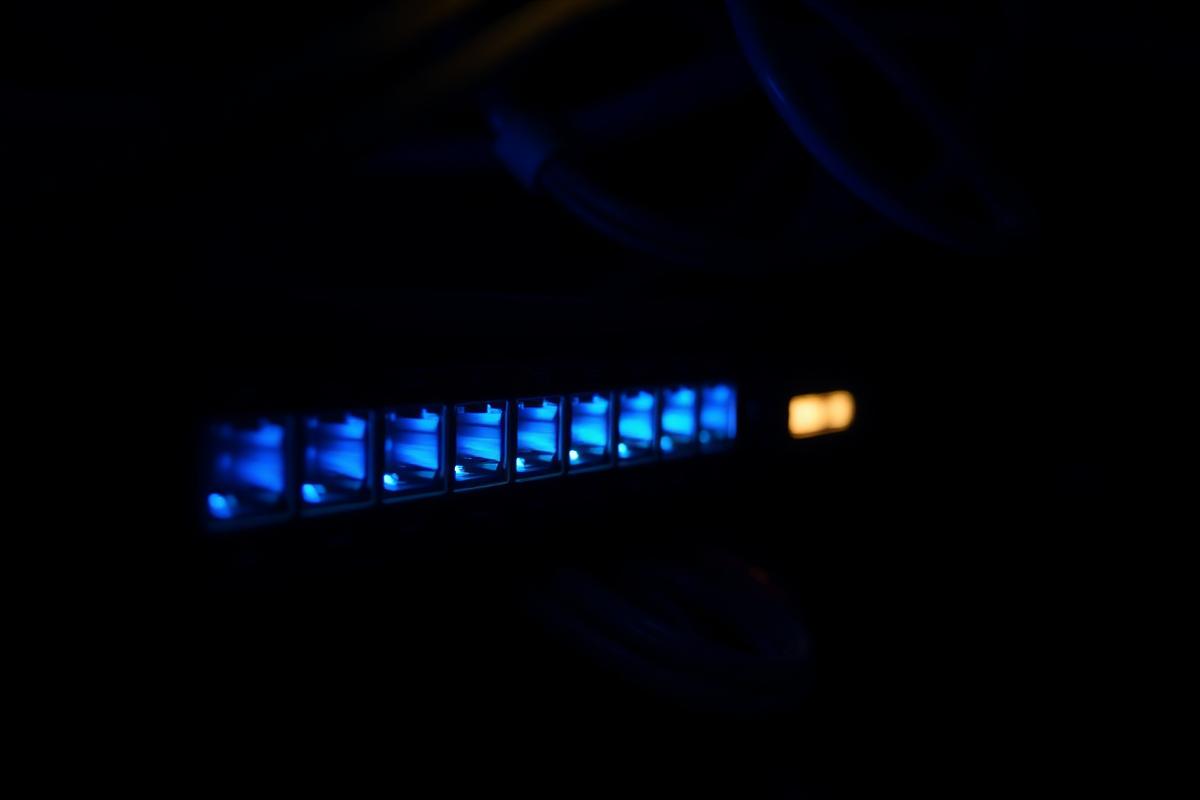
Connection problems are located by testing each point in the path.
Responsibility
Working on a device usually means being close to personal information. That access is kept to what the task requires.
Procedures that could affect stored data are discussed, with their risks, before they are carried out.
Personal files unrelated to the technical task are not opened or copied.

How it works
Each request follows the same sequence, whatever the device involved.
You describe the device, the symptom, when it began and what changed beforehand.
We review the description, ask any clarifying questions and identify the likely areas to test.
Structured tests separate the symptom from the cause across hardware, system and application layers.
Results are explained together with the available options and their limitations.
Corrective work proceeds only on the basis agreed with the owner of the device.
The original symptom is re-tested and a summary of the work is provided.
Audience
Support is aimed at people who depend on their technology but do not have specialist help available.
Owners of smartphones, laptops and desktop computers used for everyday personal tasks.
Organisations without an internal IT department that still rely on stable devices and connections.
People whose work depends on a reliable home network and a correctly configured computer.
Anyone who wants the situation explained clearly before deciding what to do next.
Working principles
A small set of principles governs how requests are handled.
Conclusions follow tests. If a cause has not been confirmed, it is described as a possibility, not a fact.
Findings are described so that a non-specialist can make an informed decision.
We prefer the smallest change that resolves the problem over broader work that is not required.
Where a fault cannot be repaired, or an outcome cannot be predicted, we say so.
Personal information encountered during technical work is treated as private.
What was tested and what was changed is recorded and shared with the device owner.
FAQ
All answers are shown openly on the page.
Devices that will not start correctly, applications that crash or fail to install, systems that run slowly or overheat, storage and update errors, and connections that drop or refuse to establish.
With a written description of the symptom by email, including the device model, the operating system if known, when the problem started and any error message shown on screen.
No. Some faults are identified quickly, while others require a sequence of tests to separate a symptom from its cause. We describe what the diagnostics show at each stage.
No. Some hardware faults, damaged storage or unsupported software versions cannot be corrected. When that is the outcome of diagnostics, it is reported plainly.
We access only what the technical task requires, discuss backup arrangements before any procedure that could affect stored data, and do not browse unrelated personal content.
No. Passwords, PIN codes, recovery phrases, verification codes and payment details should never be sent by email. They are not needed to describe a technical issue.
Yes. Support is aimed at individuals and small organisations that rely on working devices and connections but do not maintain an internal IT department.
By email at [email protected]. This website displays contact details as plain text and does not use forms.
Contact information
Enquiries are handled by email. Please include the device model, the symptom, any error message and when the problem began. Do not send passwords, verification codes or payment details.