IT support and troubleshooting
General assistance with devices, operating systems and applications that no longer behave as expected, including errors on startup, unresponsive programs and settings that will not save.
Services
Each service below describes what it covers and the typical steps involved. Scope is confirmed for every individual request, since the correct approach depends on the device, the software and the symptom.
Service catalogue
Non-clickable overview of the areas of technical work we carry out.
General assistance with devices, operating systems and applications that no longer behave as expected, including errors on startup, unresponsive programs and settings that will not save.
Structured examination of a device to establish the cause of a fault before any repair decision is made, covering power behaviour, storage health, display and input response, and thermal behaviour under load.
Support for mobile devices experiencing rapid battery drain, storage pressure, failed updates, application crashes, synchronisation errors or connectivity problems.
Routine care for desktops and laptops: update management, storage housekeeping, startup review, driver checks and attention to overheating or unusual noise.
Installing, updating, repairing and configuring operating systems and applications, including migration of settings and resolution of licensing or activation errors.
Help with unstable Wi-Fi, devices that will not join a network, router and access point configuration, printer or shared device visibility, and slow or intermittent connections.
Advice on selecting, configuring and maintaining everyday technology, including account and backup arrangements, device setup for new users and sensible security practices.
Service 01
General assistance with devices, operating systems and applications that no longer behave as expected, including errors on startup, unresponsive programs and settings that will not save.

Service 02
Structured examination of a device to establish the cause of a fault before any repair decision is made, covering power behaviour, storage health, display and input response, and thermal behaviour under load.
Service 03
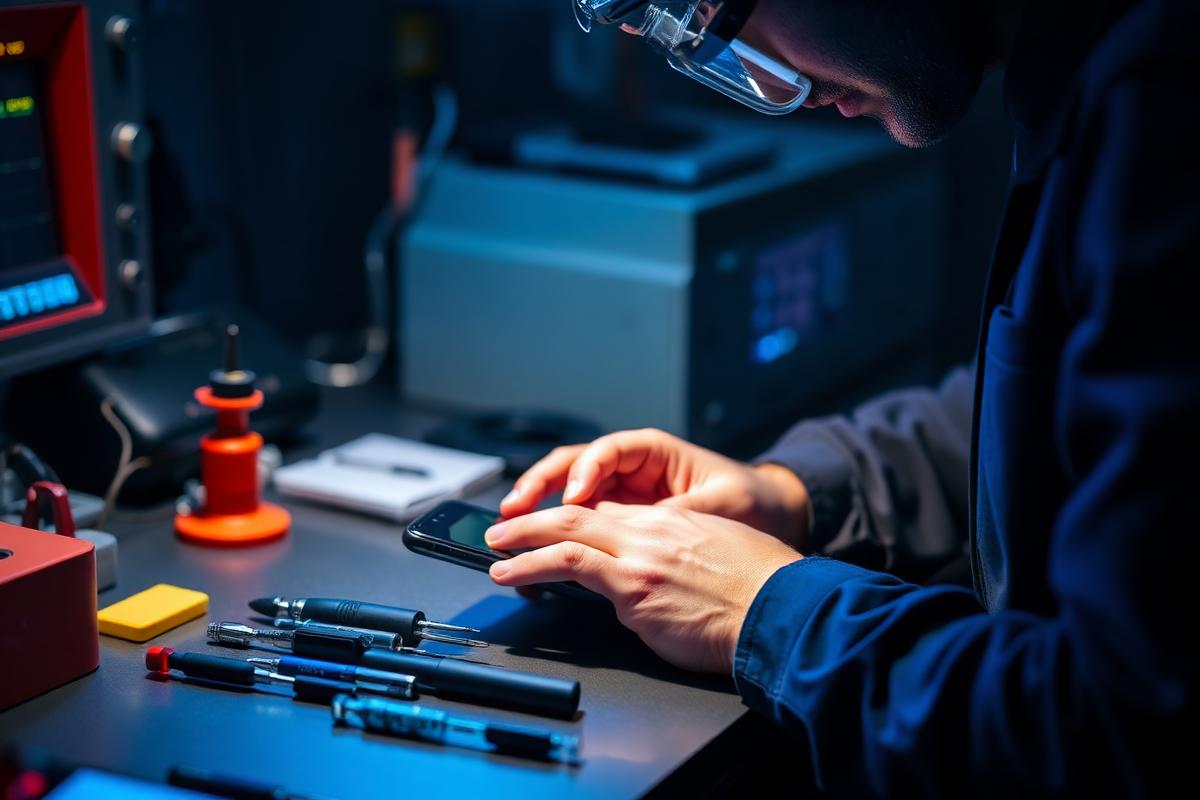
Support for mobile devices experiencing rapid battery drain, storage pressure, failed updates, application crashes, synchronisation errors or connectivity problems.
Service 04
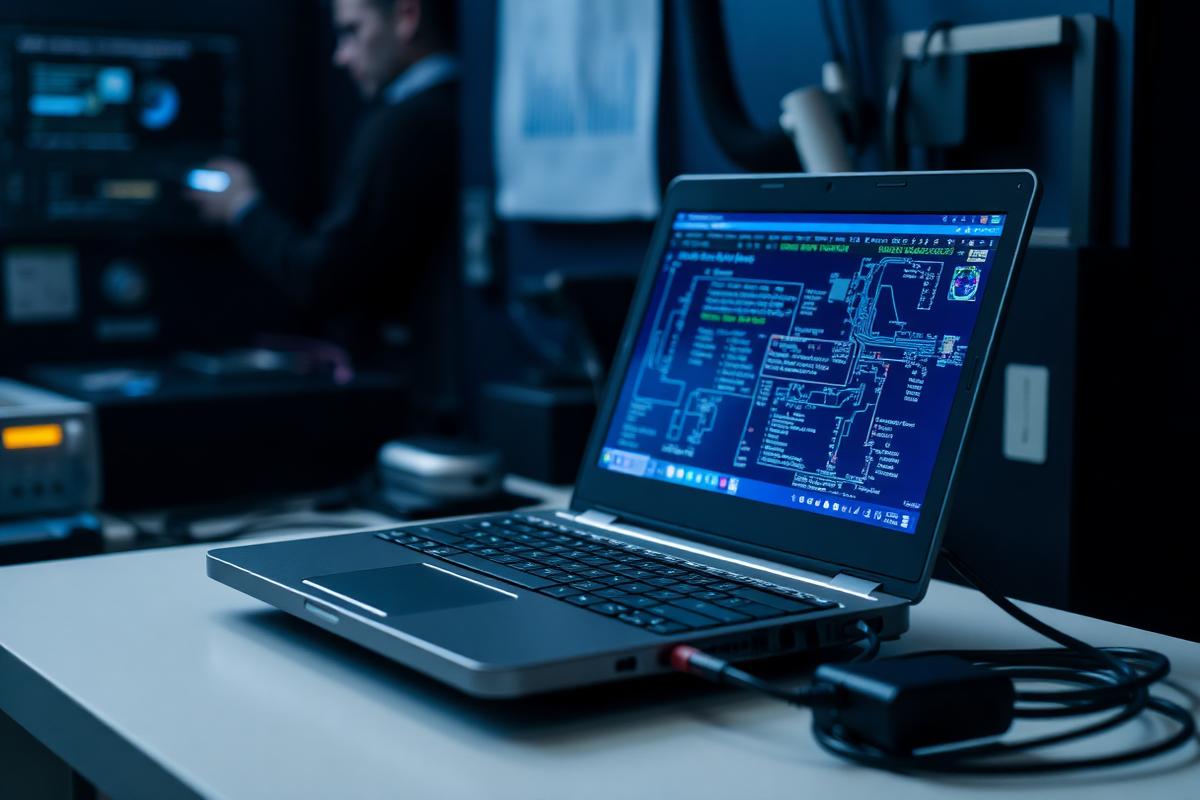
Routine care for desktops and laptops: update management, storage housekeeping, startup review, driver checks and attention to overheating or unusual noise.
Service 05
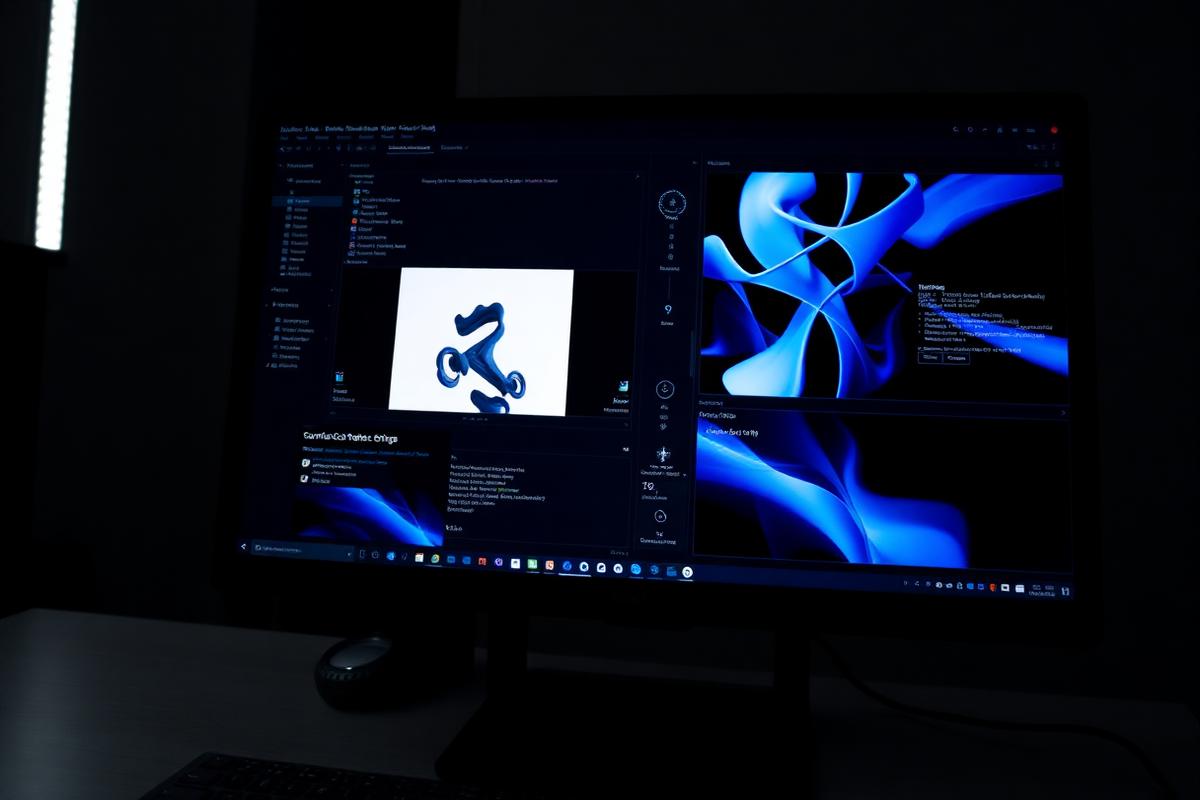
Installing, updating, repairing and configuring operating systems and applications, including migration of settings and resolution of licensing or activation errors.
Service 06
Help with unstable Wi-Fi, devices that will not join a network, router and access point configuration, printer or shared device visibility, and slow or intermittent connections.
Service 07
Advice on selecting, configuring and maintaining everyday technology, including account and backup arrangements, device setup for new users and sensible security practices.
The pages of this website describe the type of work carried out, not fixed prices, guaranteed outcomes, response times or availability. Those details depend on the individual request and are discussed by email before any work is agreed. Where diagnostics show that a fault cannot be resolved, that finding is reported rather than replaced with an optimistic estimate.